
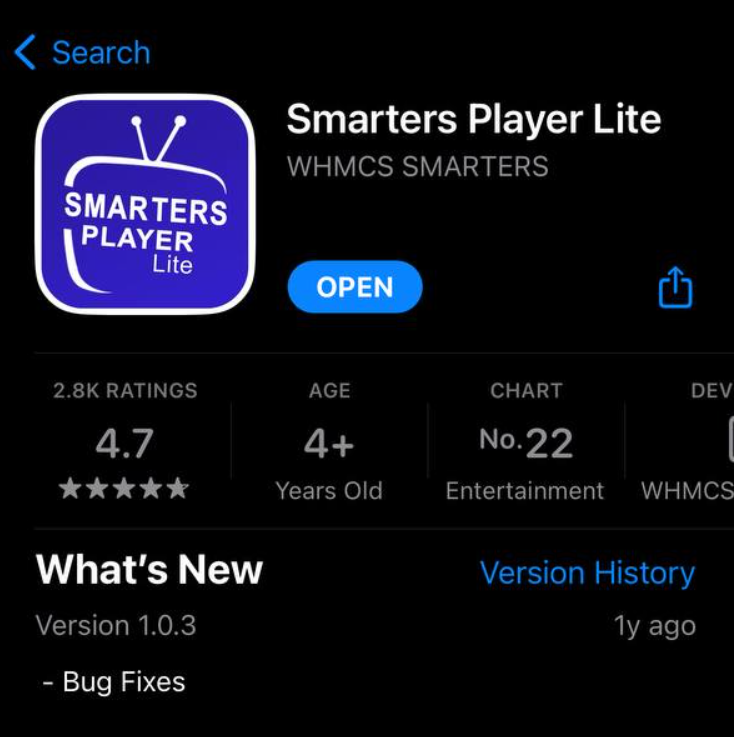
Download Smarters Application: App Store Link
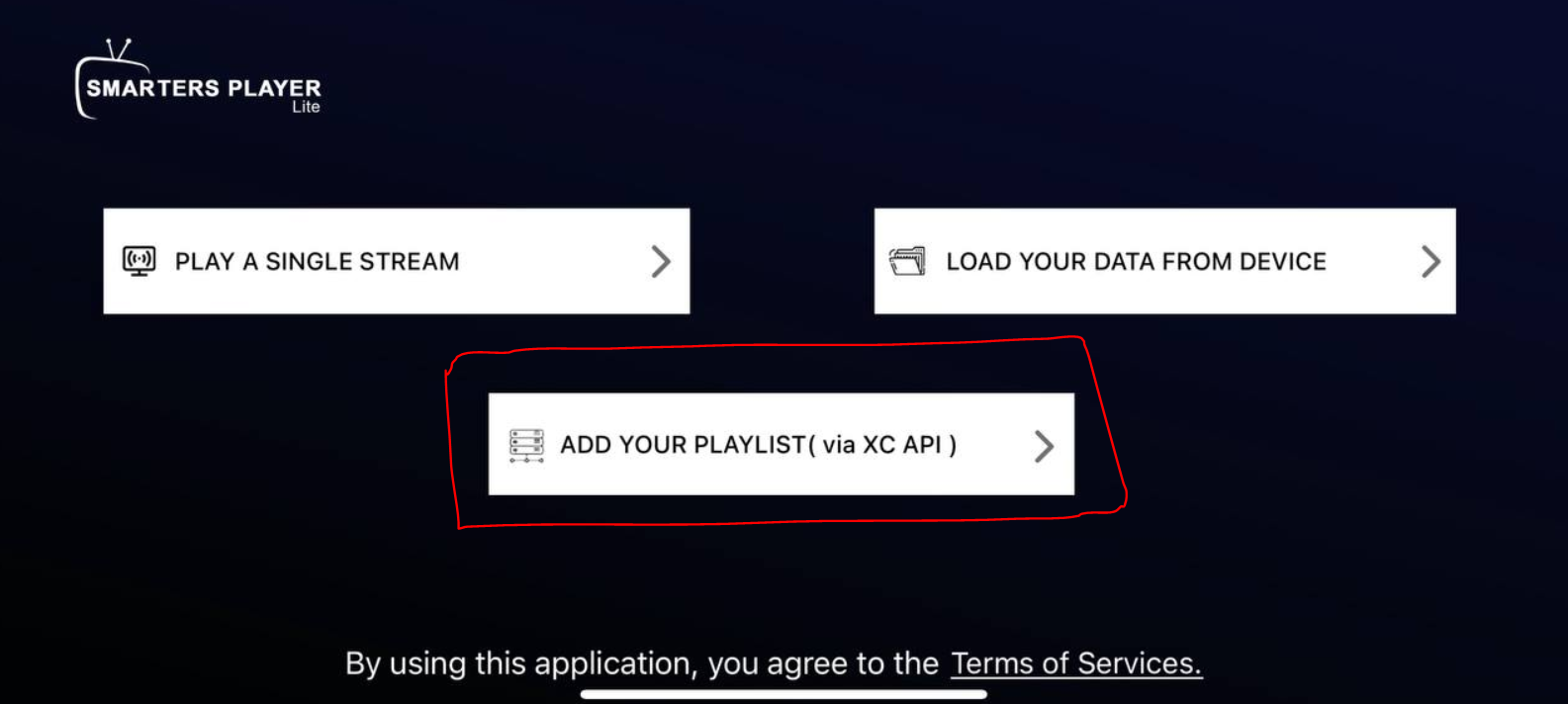
Open the app and add a playlist via « XC API » which means Xtream Codes API:
If you haven’t subscribed yet, you can get your subscription here: https://ipplaytv.com/subscriptions
Then add the details you received via email after subscribing:
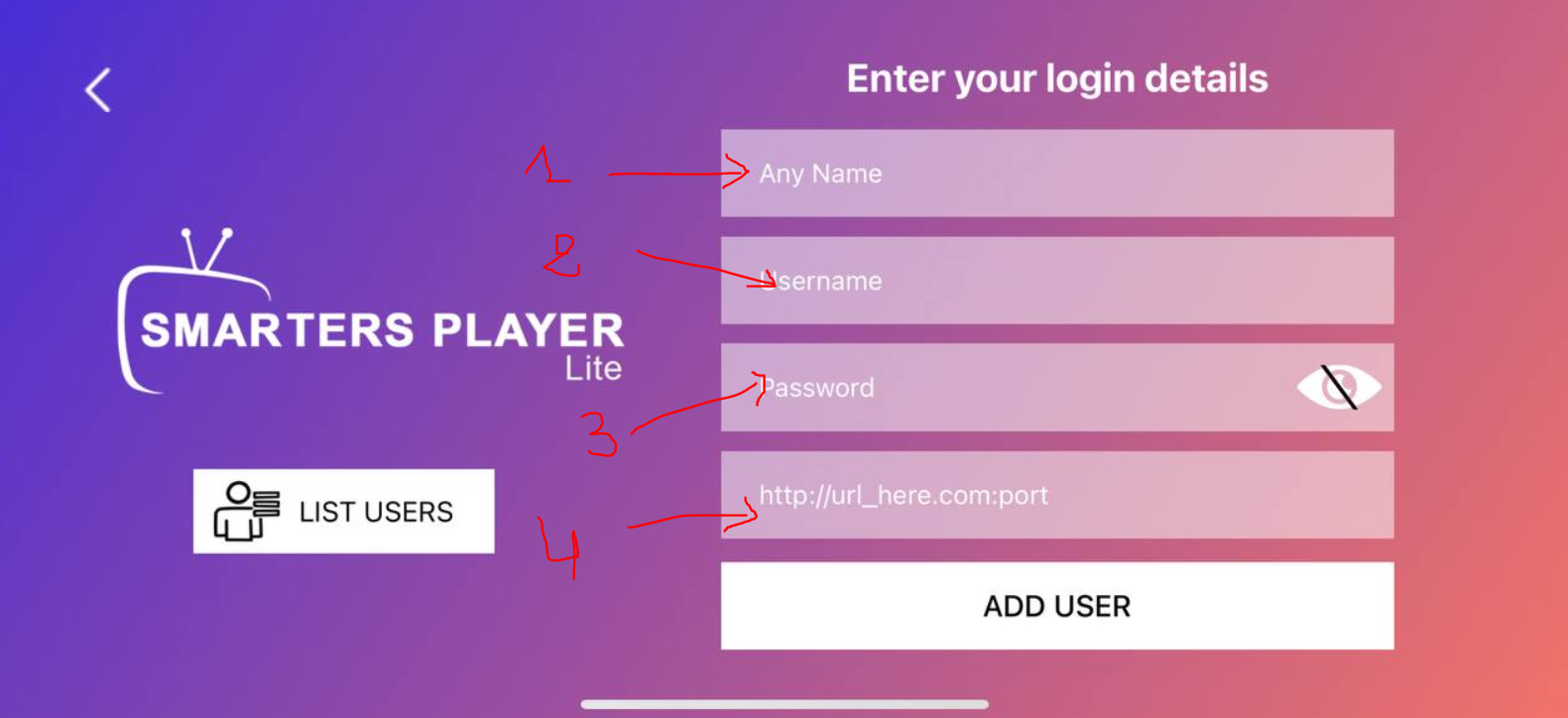
- Name: Put any name you want
- Username: Put the username from your subscription email
- Password: Put the password from your subscription email
- URL: Put the URL from your subscription email
For username, password and URL, make sure to use the exact details you received via email after subscribing.
Click « add user » to complete the setup.